— Pixels Commander

[ In English, На русском ]

[:en]Rotate HTML elements with mouse[:ru]Вращение HTML элементов мышью[:]

[:en]

Rotation is an everyday magic. It is an effect which can transform boring web page to a much more interactive place. Since rotation was added to CSS specification it have been deprived of attention. However a lot of cases need to rotate elements with mouse or touch. They are: roulettes, circular menus and other fancy things we still can not imagine at the moment. Propeller.js is a JavaScript library which easily enables rotation of elements with mouse or touch gestures.
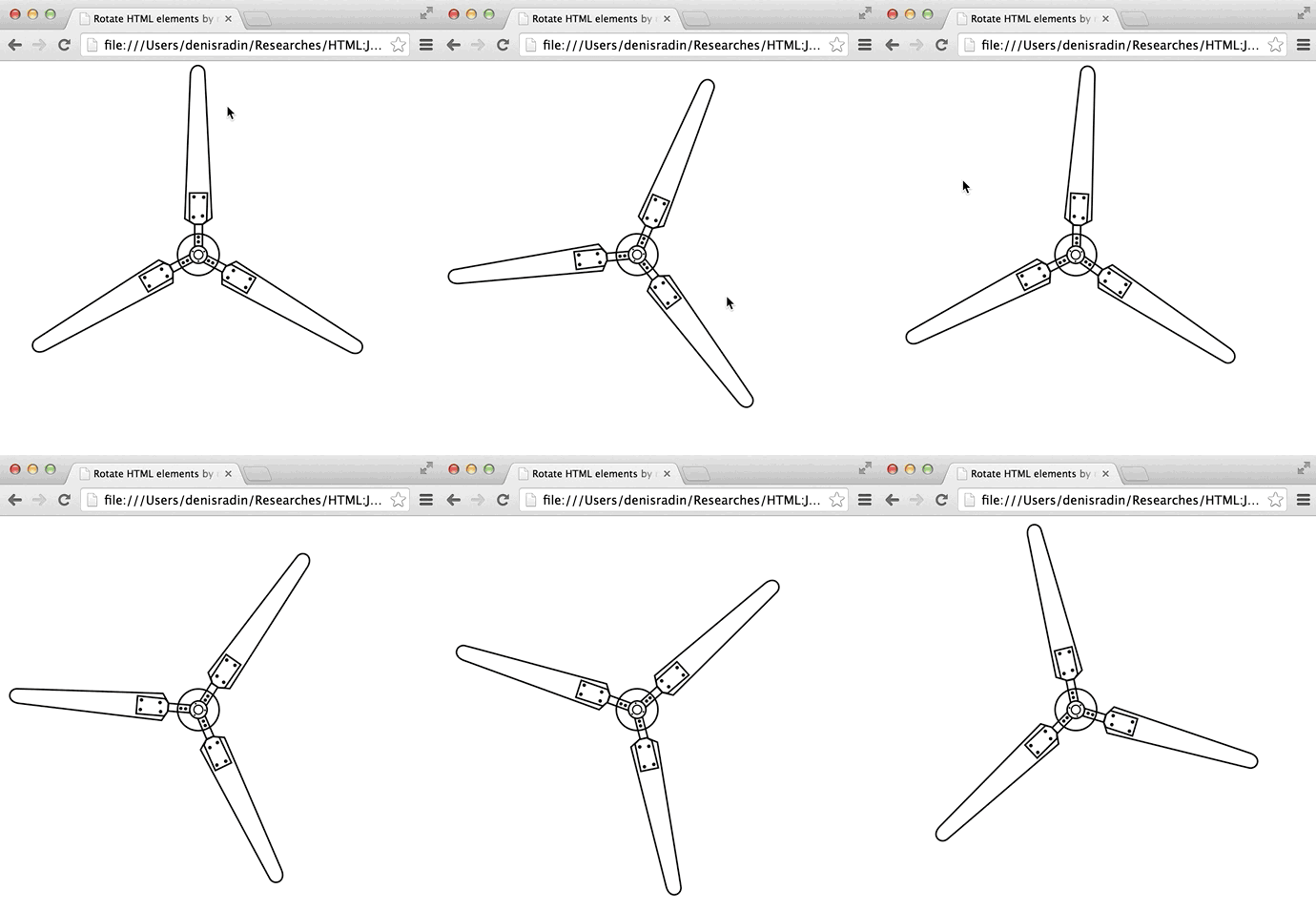
Rotate elements by mouse or touch

Usage

Easy-to-use as jQuery plugin:

$(nodeOrSelector).propeller(options);

or zero-dependancy library

new Propeller(nodeOrSelector, options);

Options

  • inertia is the most valueble option. It is a number between 0 and 1. 0 means no rotation after mouse was released. 1 means infinite rotation. For demo we use inertia equals to 0.99.
  • speed – initial speed of rotation. It also can be used as property in runtime.
  • minimalSpeed – minimal speed of rotation. Works only when inertia is between 0 and 1.
  • step allows to set step in degrees for stepwise mode.
  • stepTransitionTime enables CSS transition to move from step to step. This makes steps smooth and allows to use CSS transitions easing.
  • stepTransitionEasing CSS easing mode for transition when in stepwise mode and stepTransitionTime is more than zero. A bit more about easing functions
  • onRotate callback executed when rotated. You can easily get current angle as this.angle inside of callback function.
  • onDragStart callback executed when drag starts.
  • onDragStop callback executed when drag stops.
  • onStop callback executed when rotation stops. Works only when inertia is between 0 and 1.

Public properties

  • angle current propellers angle.
  • speed current speed of rotation. Degrees per frame.

Performance

Propeller uses requestAnimationFrame and GPU compositing for better performance.

Propeller.js on GitHub


Do not hesitate to contact me in case you have any questions or propositions. Feedback is highly appreciated.[:ru]Вращение — обыкновенная магия. Это эффект, который может превратить скучную веб страницу в куда более интерактивное пространство. Не смотря на это, вращение было обделено вниманием с момента его добавления в CSS. Propeller.js — JavaScript библиотека позволяющая вращать HTML элементы мышью или тач жестами.

Rotate elements by mouse or touch

Использование

Как jQuery плагин:

$(nodeOrSelector).propeller(options);

или библиотека без зависимостей

new Propeller(nodeOrSelector, options);

Опции

  • inertia — одна из самых ценных опций. Это число от 0 до 1. 0 значит объект перестает вращаться после того как кнопка мыли отпущена. 1 значит вечное вращение. На странице библиотеки использована inertia равная to 0.99.
  • speed — позволяет задать начальную скорость вращения. Так же может быть использовано в рантайме, как свойство объекта.
  • minimalSpeed — задает минимальную скорость вращения. Работает только при inertia между 0 и 1.
  • step позволяет задать шаг в градусах, включая тем самым режим пошагового вращения.
  • stepTransitionTime включает CSS transition для пошагового вращения. Это делает переключение между шагами плавным и позволяет использовать easing.
  • stepTransitionEasing CSS easing функция для пошагового режима с включенными transition. Тут больше про easing функции
  • onRotate коллбек выполняемый при вращении. Получить текущий угол внутри коллбека просто — this.angle.
  • onDragStart коллбек выполняемый при начале перетаскивания.
  • onDragStop коллбек выполняемый при окончании перетаскивания.
  • onStop коллбек выполняемый при окончании вращения. Работает только при inertia между 0 и 1.

Публичные свойства

  • angle текущий угол пропеллера.
  • speed текущая скорость вращения. Градусы за один кадр.

Быстродействие

Propeller использует requestAnimationFrame и рендеринг через GPU для оптимизации.
Propeller.js на GitHub


Буду рад вашим предложениям или вопросам.[:]

0 comments
Submit comment